
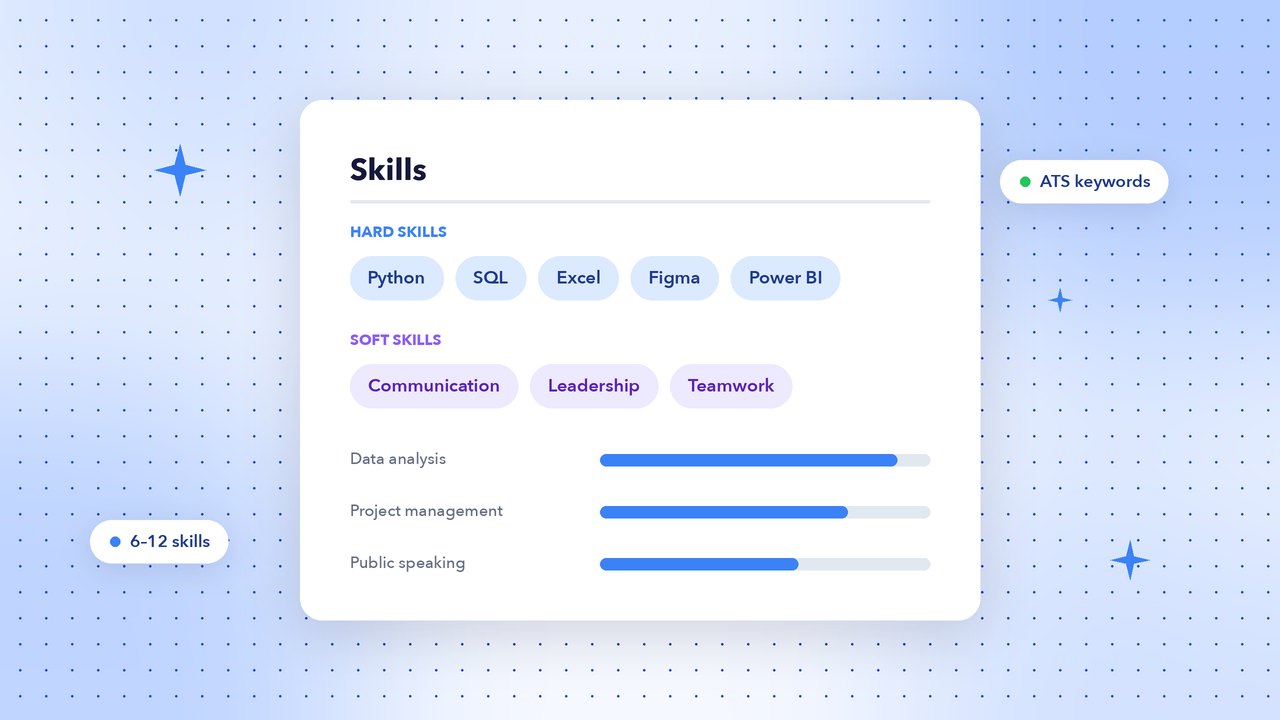
The skills section is one of the first places recruiters and applicant tracking systems (ATS) look. Listing the right skills — and proving them elsewhere on your resume — can be the difference between a callback and silence. Here’s how to choose them.
Hard skills vs soft skills
- Hard skills are teachable, measurable abilities: Excel, Python, accounting, graphic design, a foreign language, forklift operation.
- Soft skills describe how you work: communication, teamwork, problem-solving, time management, leadership.
Employers want both, but hard skills are what ATS software usually searches for. Soft skills are most convincing when you show them in your experience bullets rather than just list them.
Top hard skills employers want in 2026
- Data analysis: Excel (pivot tables, XLOOKUP), SQL, Power BI, Tableau
- AI and automation tools: prompt writing, ChatGPT/Copilot for productivity, workflow automation
- Programming: Python, JavaScript, Java, cloud platforms (AWS, Azure, GCP)
- Digital marketing: SEO, Google Ads, social media marketing, email marketing, Google Analytics 4
- Project management: Agile, Scrum, Jira, Trello, budgeting
- Finance and accounting: Tally, SAP, QuickBooks, GST/tax filing, financial modelling
- Design: Figma, Adobe Photoshop, Illustrator, Canva, video editing
- Languages: English, Hindi, and any regional or foreign language you speak fluently
Top soft skills employers want
- Communication (written and verbal)
- Problem-solving and critical thinking
- Teamwork and collaboration
- Adaptability and willingness to learn
- Time management and organisation
- Leadership and mentoring
- Customer focus
- Attention to detail
Skills by job role
| Role | Hard skills | Soft skills |
|---|---|---|
| Software developer | JavaScript, React, REST APIs, Git, SQL | Problem-solving, code reviews, collaboration |
| Sales executive | CRM (Salesforce, Zoho), lead generation, negotiation | Persuasion, resilience, relationship building |
| Accountant | Tally, GST, reconciliations, MS Excel | Accuracy, integrity, deadline management |
| Customer support | Zendesk, Freshdesk, live chat, typing speed | Empathy, patience, clear communication |
| Teacher | Lesson planning, LMS tools, assessment design | Classroom management, mentoring, creativity |
| Graphic designer | Figma, Photoshop, Illustrator, typography | Creativity, feedback handling, time management |
How to write your skills section
- Start with the job description. Highlight every skill the employer mentions and include the ones you genuinely have, using the same wording.
- List 6–12 skills. More than that looks padded; fewer can miss ATS keywords.
- Group them when you have many: “Technical”, “Tools”, “Languages”.
- Be specific. “Microsoft Excel (pivot tables, macros)” beats “Computer skills”.
- Back them up. Mention your top skills again in your summary and experience bullets with results.
Example bullet that proves a skill: “Built a Power BI sales dashboard used by 30 managers, cutting weekly reporting time by 6 hours.”
Skills you can leave off
- Basic tools everyone is expected to know, like “email” or “internet browsing”.
- Outdated software nobody uses any more.
- Skill ratings like stars or percentages — “80% communication” doesn’t mean anything to a recruiter and can confuse ATS software.
- Skills you can’t talk about confidently in an interview.
Our resume builder has a dedicated skills section and ATS-friendly layouts. Learn more in our ATS resume guide, or pick a template and start writing.