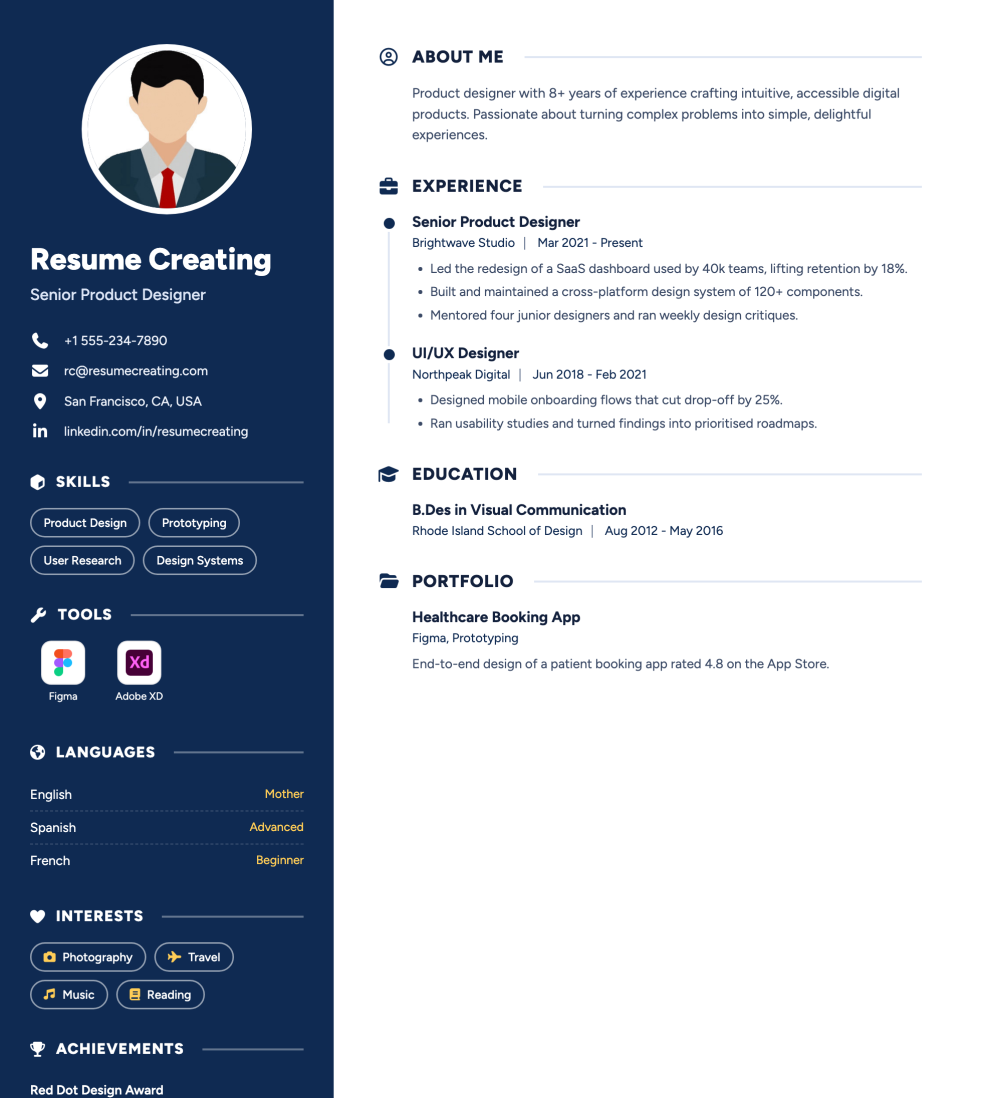
Navy Sidebar is a free resume template for professionals who want a polished, contemporary layout. Candidates who want a fresh look without sacrificing readability — ideal when you apply online and also share a PDF with hiring managers. Preview the layout, then customize every section in ResumeCreating and download a PDF.
How to use the Navy Sidebar template
Open the template in the builder, replace the sample content with your experience, and keep section headings clear so both recruiters and ATS tools can scan your resume.
Start from this template and edit online — no design software needed
Lead with quantified achievements instead of long duty lists
Match skills and tools to the roles you are targeting
Export a text-based PDF for applications and networking
ATS tips for Navy Sidebar
Good ATS balance: structured sections stay as plain text. Visual accents are light enough for many ATS workflows, but very strict parsers still prefer the simplest layouts.
Keep Experience, Education, and Skills as standard headings
Write skills as plain text, not only icons or images
Put contact details in the main document body
Ready to customize Navy Sidebar?
Edit every section online, pick an accent color, and download a clean PDF.
Candidates who want a fresh look without sacrificing readability — ideal when you apply online and also share a PDF with hiring managers.
Good ATS balance: structured sections stay as plain text. Visual accents are light enough for many ATS workflows, but very strict parsers still prefer the simplest layouts.
Yes. Navy Sidebar includes a photo area. Use a professional headshot, or switch to a no-photo template if your market prefers resumes without images.
Yes. Open the template in ResumeCreating to edit sections, adjust accent color, and download a PDF when you are ready.